
Every AI platform has limits. Yours doesn't.
Type what you want. Get working code. The AI Developer lives inside every install, fully trained on your codebase.
- Trained on your codebase, schema, and conventions
- Describe any feature in plain English
- Extend, update, design, or integrate anything
- No developers required — ever
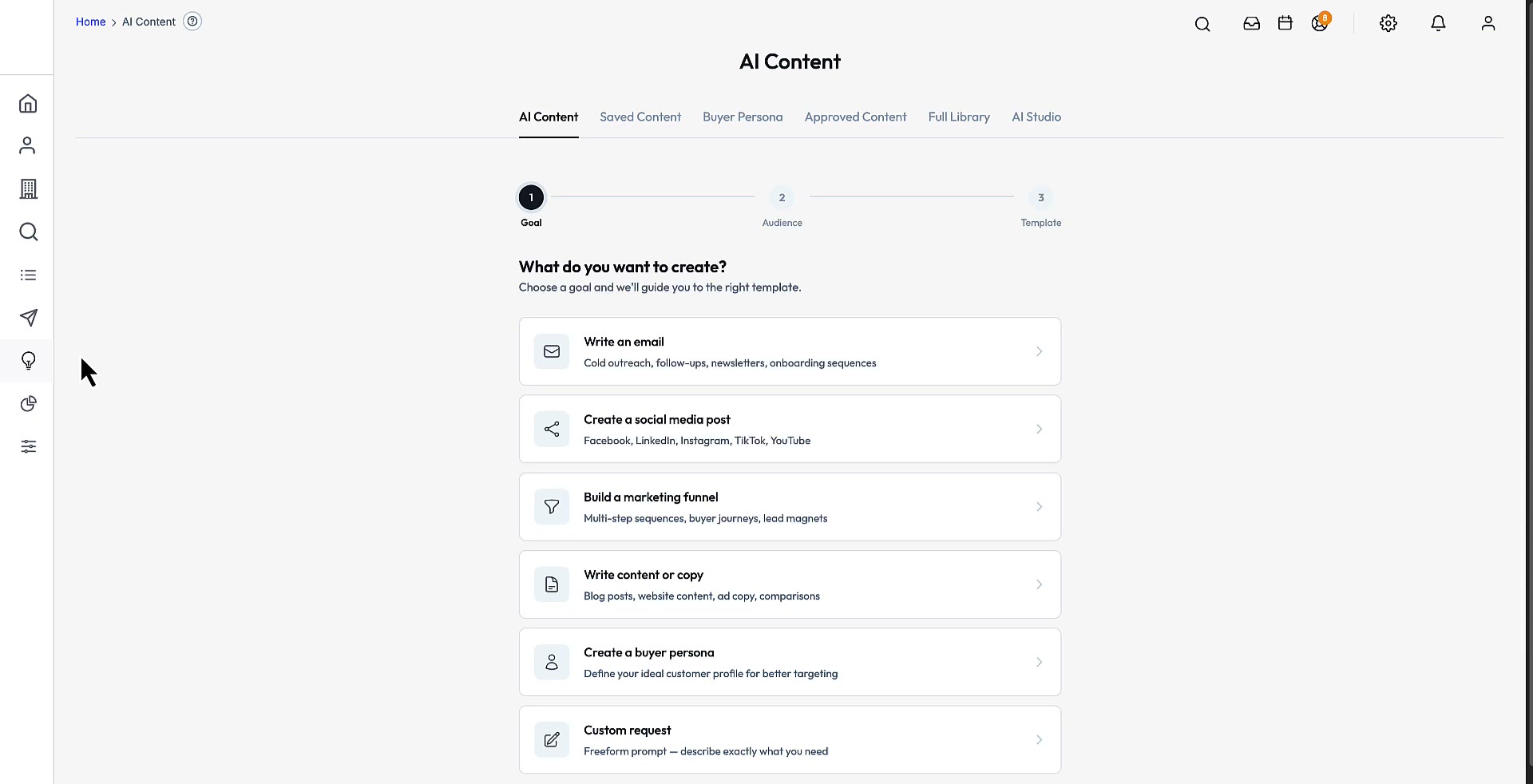
See the AI in action
Short walkthroughs of the AI Developer, AI Studio, and the always-on agents — running on real data.
AI Developer
Built-in Claude Code prompt generator. Feeds live DB schema + file context into a ready-to-paste prompt.
AI Studio
Visual sandbox for configuring AI across the CRM. Tune prompts, personas, tone, and which contexts each assistant has access to.
AI Agents
Always-on agents that monitor CRM events — flag stale deals, draft follow-ups, and fire workflows without a human at the keyboard.
AI Agent — Lead Gen
Lead-gen agent that works the 145M B2B database on autopilot — pulls matching prospects, enriches them, and queues outreach without manual list building.
Stop filing tickets. Start shipping.
Every other AI platform
- File a ticket.
- Wait for the roadmap.
- Get told “it’s on our list.”
- Pay for a feature request. Hope it ships next quarter.
- Or fork the code and hire a dev team.
This platform
- Open the AI Developer panel.
- Type: “Add a proposal module linked to contacts.”
- Paste the output into Claude Code.
- Your AI platform now has a proposal module — built to the same conventions as the rest of the codebase.
- Total time: minutes.
Five tools. One panel.
244 live database tables·Claude Sonnet 4.6 default model
Prompt Builder
Describe it. Get a production-ready prompt.
Five prompt types, with platform rules, the current theme conventions and the relevant DB tables auto-injected for you.
Schema Explorer
244 tables, searchable, always in sync.
Every table in the live database, grouped by domain. Live schema — never stale, pulled straight from the running database.
API Playground
Hit any endpoint from the browser.
An interactive REST console. Auth handled — paste a token once and reuse it across requests.
API Docs
A full REST reference, rendered live.
Browseable docs for every endpoint the AI platform exposes. Generated from live routes — zero drift from the actual app.
Developer Chat
Your codebase, on chat.
Context-aware assistance that knows your install, powered by Claude Sonnet 4.6 by default.
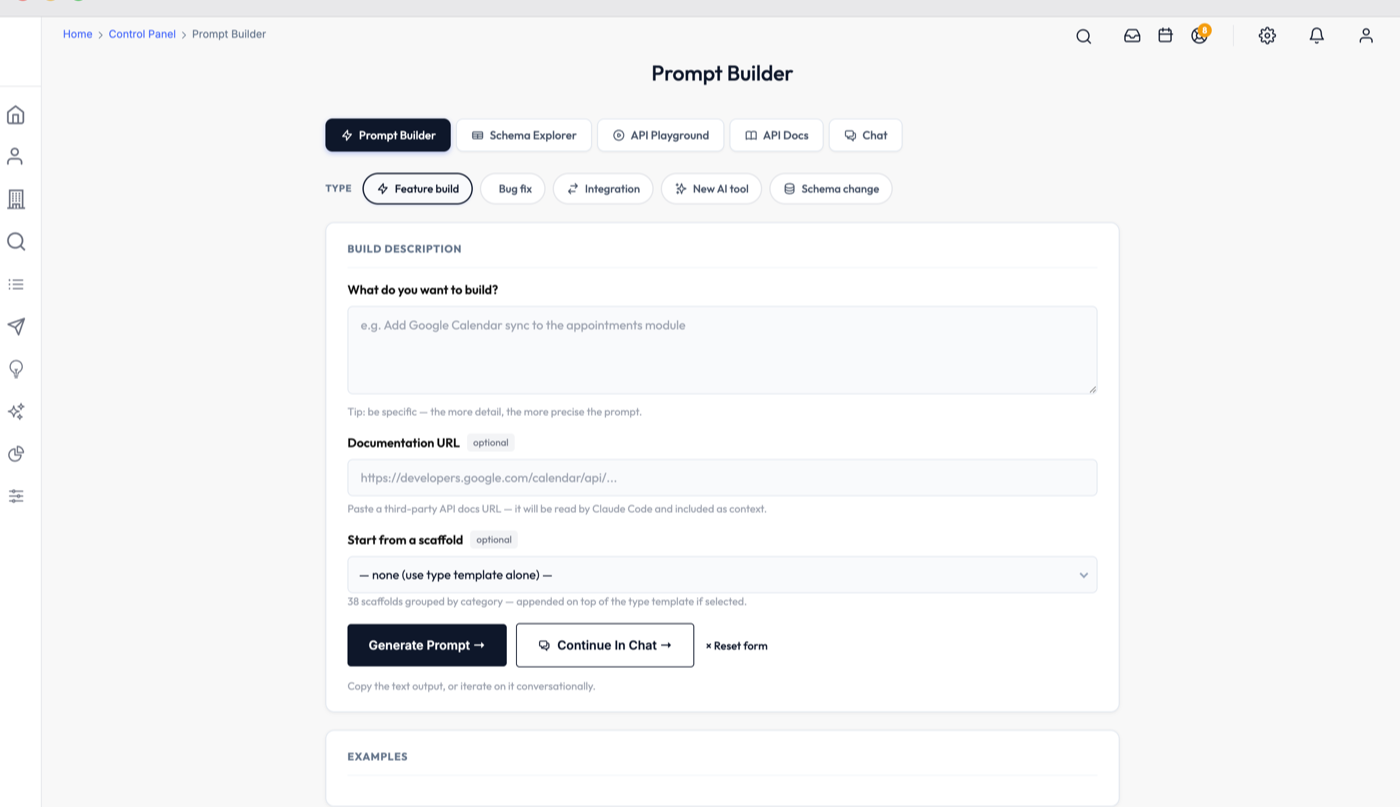
The prompt is built from your install
Pick the type of change, describe it, and the panel attaches the live schema, the theme conventions and the module patterns before it hands you the prompt. Paste that into Claude Code and the agent already knows the codebase it is editing.
From idea to shipped in four steps
Describe what you want
One paragraph, plain English. No architecture diagrams, no file paths, no boilerplate.
The AI pulls in the codebase
Live DB schema (all 244 tables), active theme conventions, module patterns, gotchas, and any specific files.
Get a multi-thousand-word build plan
Platform rules, the exact query pattern, the template structure, the file paths, and the step-by-step implementation.
Run it. Ship it.
The code that comes back matches your codebase on the first try.
See it on a live call
Watch the demo videos, then book a 20-minute call to scope what you need and walk through the source.
20-minute scoping call · 30-day code warranty