
Describe the feature. Claude Code ships it
You own the source, so an AI agent can work on it directly. Point Anthropic's Claude Code at your repo, say what you want in plain English, and read the diff — the way a developer would hand you one.
- Works on the source code you own
- Reads the whole repo before it edits
- Writes code, migrations and templates
- You review every change before it ships
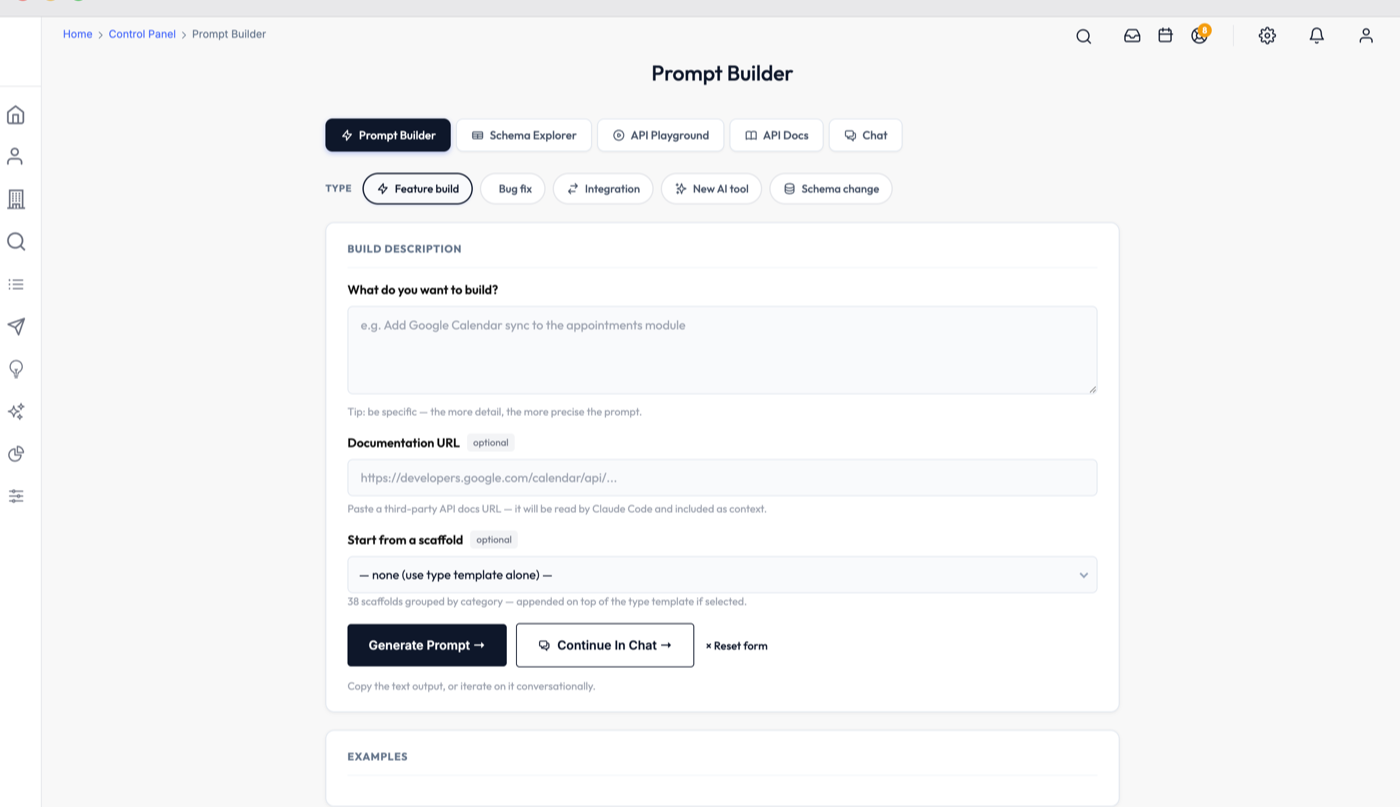
An AI developer that works in your repo
Claude Code is Anthropic's coding agent — a separate product from this platform, billed by Anthropic, that runs against source code on your own machine. Because you own this codebase outright, there is nothing stopping it.
An agent in your terminal
Claude Code is Anthropic's coding agent. You run it inside your copy of the repo and talk to it in plain English — no plugin to install into the platform, no vendor middleware between you and your code.
It reads before it writes
It searches the codebase for the files that matter, opens them, and follows the conventions it finds there. That is the difference between code that compiles in isolation and code that belongs in this repo.
It runs things, not just types
It can run the build, run migrations, grep for call sites and work with git — so a change gets checked as it is made instead of landing in your lap as an untested patch.
A rented CRM cannot do this
On a subscription platform, the codebase is the vendor's. The best an AI agent can do is drive the UI or call a public API, because there are no files for it to open. Ownership is the feature that makes agentic development possible at all — every limit you have ever hit on a SaaS CRM was a permissions problem, not an AI problem.
$ claude

> Add a proposals module linked to contacts, with a status
  dropdown and a PDF export.

● Reading modules/customers.php, app/core/TCustomer.php …
● Found the module pattern — pb_on_action() + PBDBObject
● Writing modules/proposals.php
● Writing themes/tailwind/proposals/list.tpl
● Writing migrations/20260821_proposals.sql
● Running the build … passed

  5 files changed, 412 insertions(+)
Review the diff with: git diffA codebase built to be read by an agent
Agents do well on consistent code and badly on clever code. This platform was written — and is extended by us, in production — with exactly that in mind.
Conventions an agent can follow
One query pattern, one module pattern, one template structure — used consistently across the whole platform. An agent that reads three modules can write the fourth correctly.
Documentation written to be executed
The install and architecture docs are written as instructions for an agent, not prose for a human to translate. Point the agent at the folder and it can follow them end to end.
A gotchas file that prevents the classic mistakes
The traps that trip up new developers — the DB helpers that exist, the placeholders that silently return nothing, the tenant scope every query needs — are written down where the agent will read them.
Live schema, not a stale ERD
The built-in Schema Explorer reads the running database, so the table and column names handed to the agent are the ones that actually exist today.
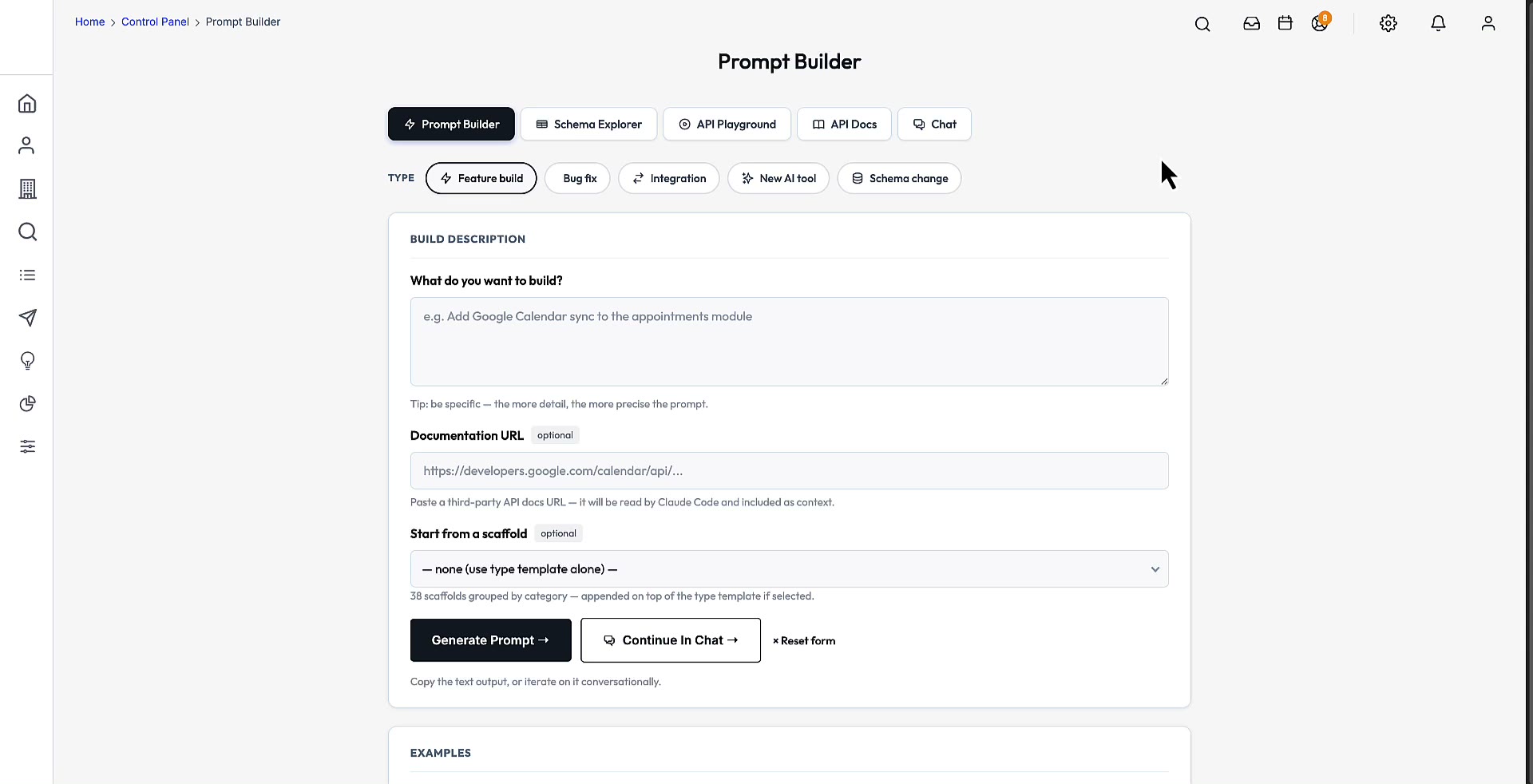
Describe it. Ship it.
Type the feature you want. Review the diff. Deploy it. That is the entire development process on a platform you own.
From idea to deployed, in five steps
The same loop we use to extend the platform ourselves.
- 01
Describe the feature
Open the AI Developer panel inside the platform and type what you want in one paragraph. No file paths, no architecture diagram, no boilerplate.
- 02
It assembles the context
The panel attaches the live database schema, the theme conventions, the module patterns, the gotchas, and any specific files you name — the things an agent would otherwise have to guess at.
- 03
Paste it into Claude Code
You get a complete build prompt: the platform rules, the exact query pattern, the file paths to create, and the step-by-step implementation. Paste it into the terminal and let the agent work.
- 04
Review the diff
The agent edits files in your working tree. You read the diff like any pull request, run the app, and keep or discard the change with git — nothing is applied behind your back.
- 05
Ship it
Run the migration, commit, and deploy with the same rebuild script the platform ships with. The feature is now part of the product you own.
What people actually type
These are the requests that turn into a roadmap conversation on a rented CRM. Here they are an afternoon.
“Build an appointments module linked to contacts with a date picker and a status dropdown.”
New module with full CRUD and a pipeline tab, the migration included, and a mobile-ready template.
“Add a lead_source column to the contacts table.”
Timestamped migration, the field added to the UI picker, and a new filter in Smart Search.
“Add Google Calendar sync to the appointments module.”
OAuth flow, a cron job, two-way sync, and a settings panel — wired into the existing module.
“Add natural-language search to the contacts list using the Anthropic API.”
A search bar that turns plain-English queries into the existing Smart Search filters.
“The contact form submits without an error but nothing saves to the database.”
Root cause, the exact file and line, and the fix — checked against your actual schema.
“Show a pipeline forecast on the dashboard — deals by stage with expected close dates.”
A dashboard widget using the chart library already in the repo, reading the real tables.
What you need to run it
Four things, three of which arrive with the platform. There is no separate licence to buy from us and nothing here is resold.
Your copy of the source
Handed over at purchase as a private repository. Claude Code works on files on your machine, so you need the code — which is the whole point of owning it.
A Claude account
Claude Code is Anthropic's product and is billed by Anthropic, on a Claude subscription or API credits. It is not resold here and nothing is marked up.
A terminal and git
Run the agent in the repo, review changes with git. If you can clone a repo and run a command, you have everything you need.
The local Docker stack
The included compose file gives you the whole platform running locally, so the agent's changes can be tried before they reach a customer.
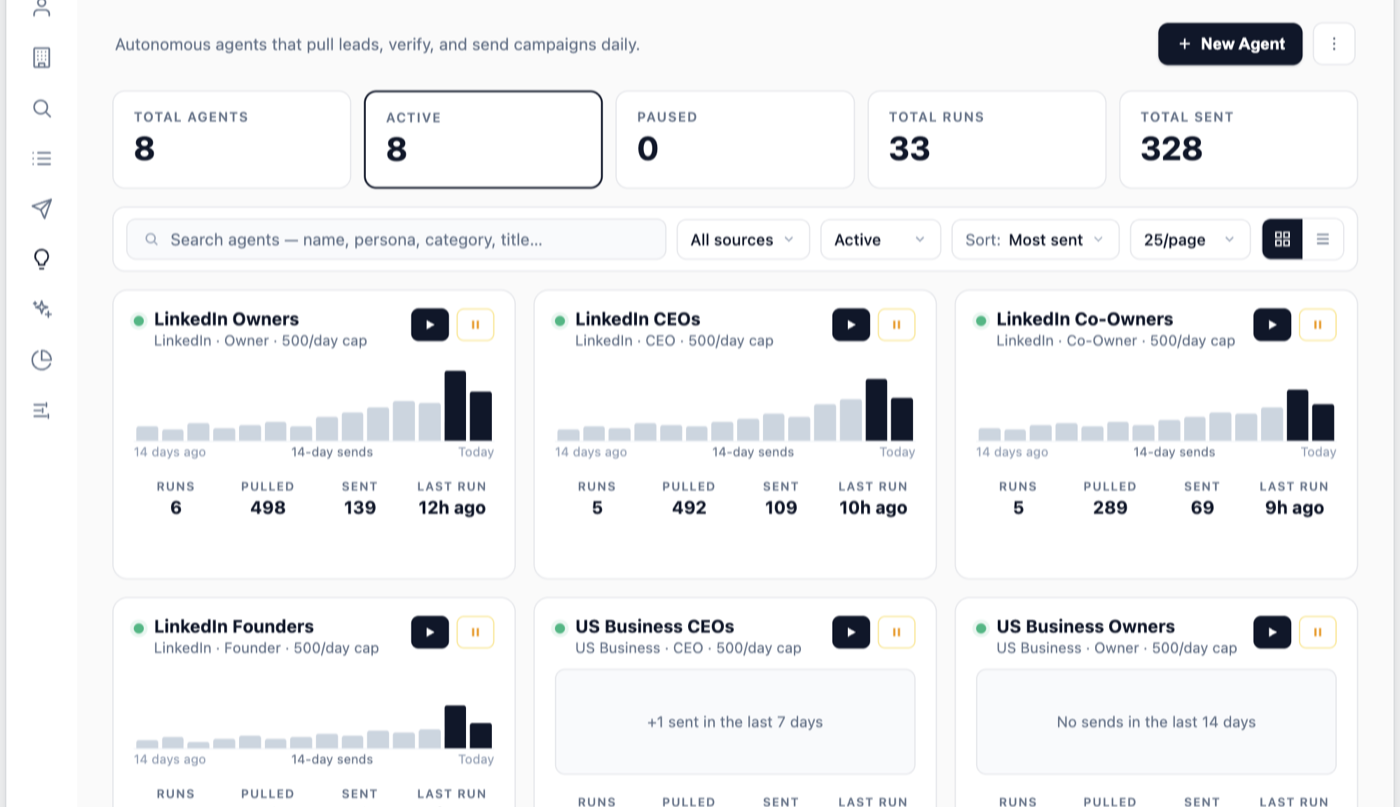
Claude Code is the default, not the requirement
The build prompt the platform generates is plain text. It works in whichever agent you already pay for — the codebase does not care which one reads it, and neither do we.
- Claude Code in the terminal
- Cursor or Windsurf in your editor
- Claude.ai or the desktop app in a browser
- Any agent that can read a repo and edit files
You stay in control of every change
An agent editing your codebase should feel like a developer handing you a pull request, not like a black box redecorating production. The workflow is built that way.
- Every change lands in your working tree — you read the diff before anything is committed
- Git is the undo button; discard a change you do not like and nothing is lost
- Try it on the local Docker stack before it touches production
- Migrations are timestamped files, so a schema change is reviewable like any other code
- 30-day code warranty on the platform you bought, whatever you build on top of it
Frequently Asked Questions
Our current clients had these questions too.
Own the entire acquisition engine — source code and all
One operator-friendly price. No subscriptions, no per-seat fees, no monthly rent on your own pipeline. Pay once and host it yourself, forever.
- 145M
- Contacts included
- Web + mobile
- Full source code
- 30-day
- Code warranty
- No
- Per-seat fees
$2,500
One Time Payment
Own It Forever
- Full source code — web + mobile
- 145M-contact B2B database
- AI agents + automated outreach
- Full CRM + built-in AI Developer